The kitchen, then the day
Breakfast through dinner, from food already in the kitchen.
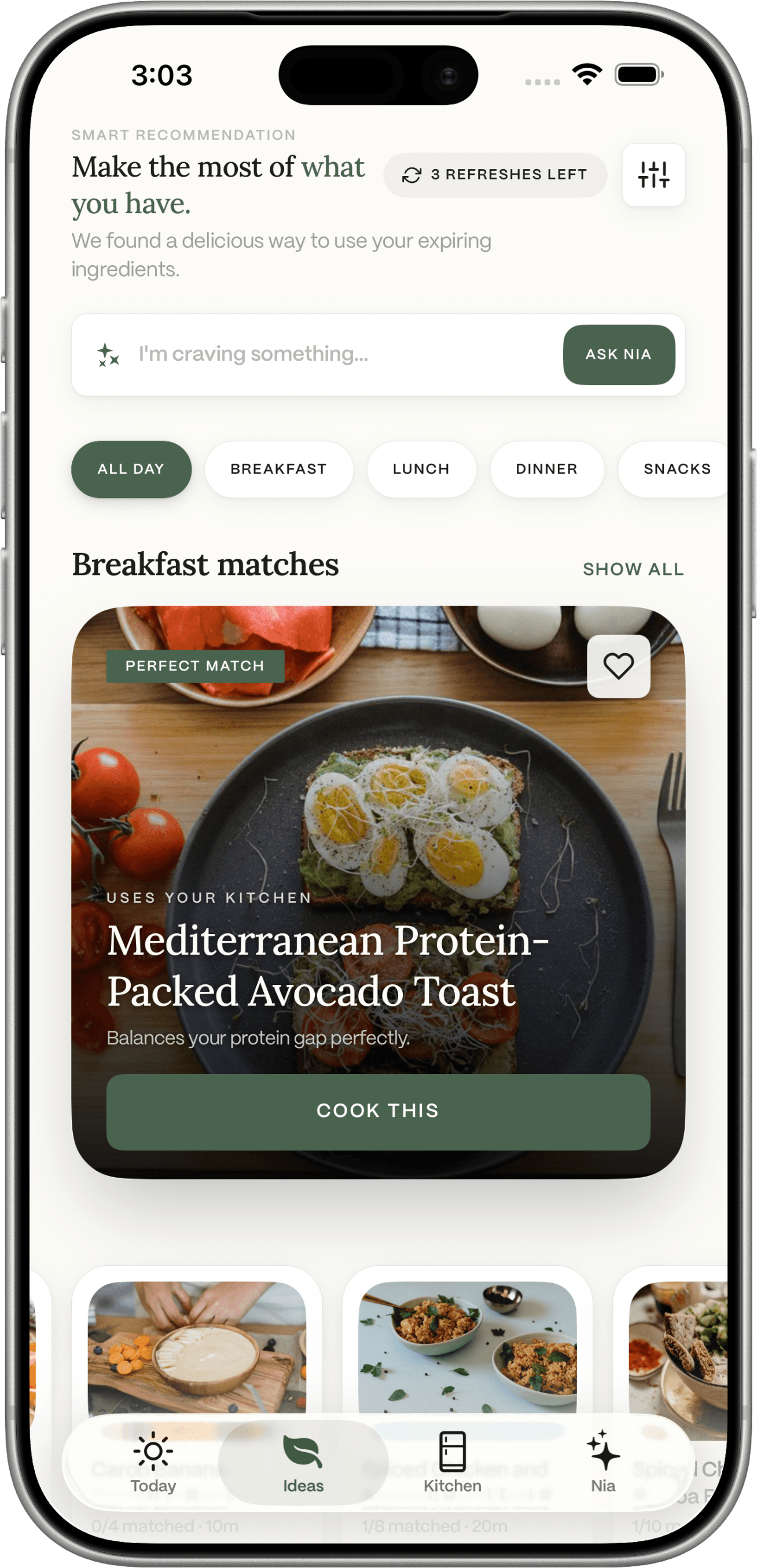
Photograph the fridge or a receipt, scan a barcode, or add food yourself. Dietrack can then suggest breakfast, lunch, dinner, and a snack that prefer those foods and the calorie and macro targets you set.


Free to download on iOS and Android.

You have food. You still do not have a day.
The fridge is full of almost-meals
An open jar, half a bag of spinach, chicken from yesterday. None of that shows up in a recipe search unless you type it in.
The thing at the back gets forgotten
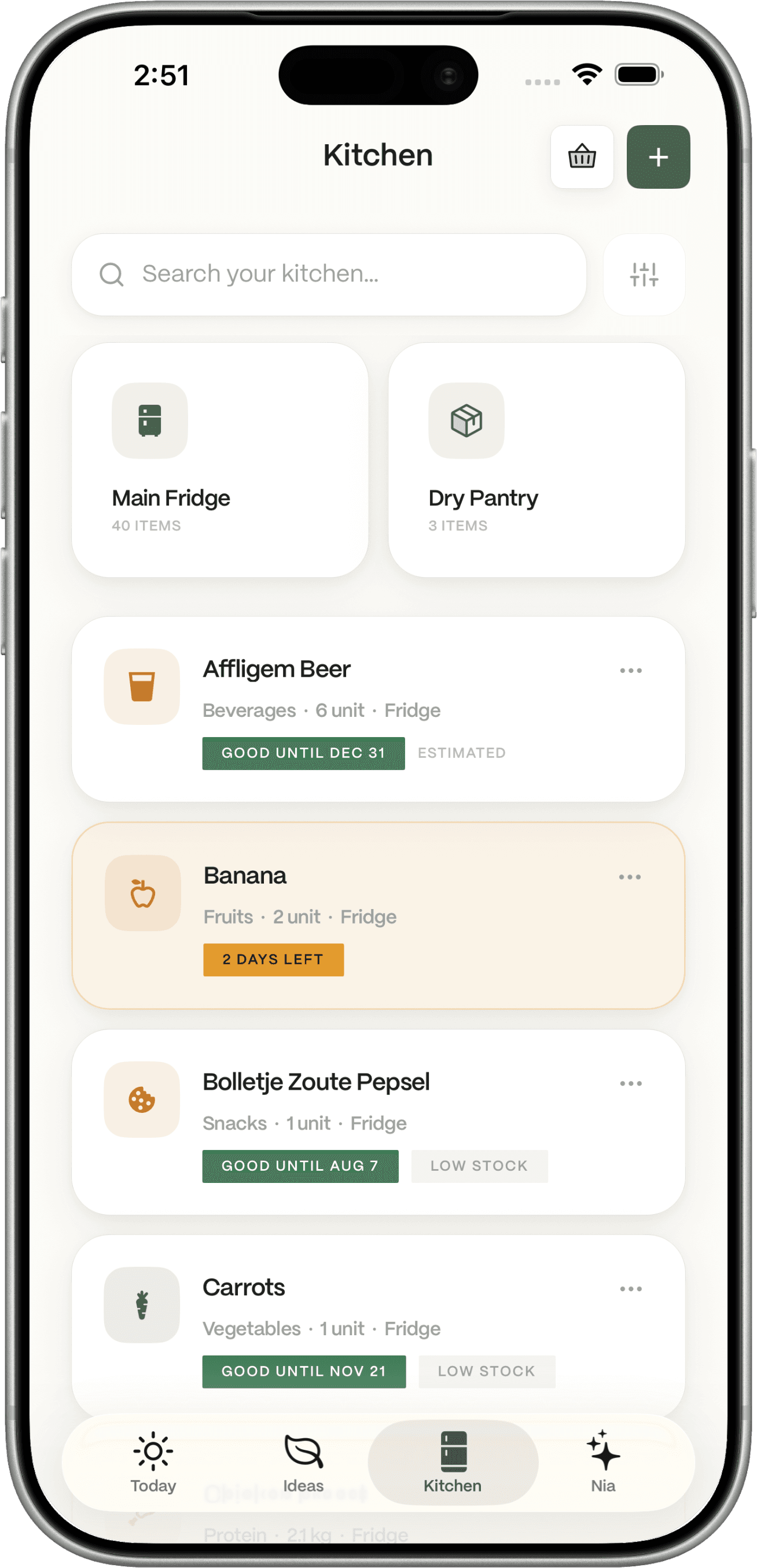
Dietrack can highlight food approaching expiry (about the next three days) and can prefer those items in ideas. It does not stop food going off by itself.
One good dinner, then a blank morning
A single recipe does not tell you how the rest of the day fits your remaining calories.
A list that pretends the cupboard is empty
You do not need a clean-slate shop. You need the gap between this day’s ideas and what is already home.
Inventory should change what you cook next.
How inventory changes the day.
Add
Put the food where it lives
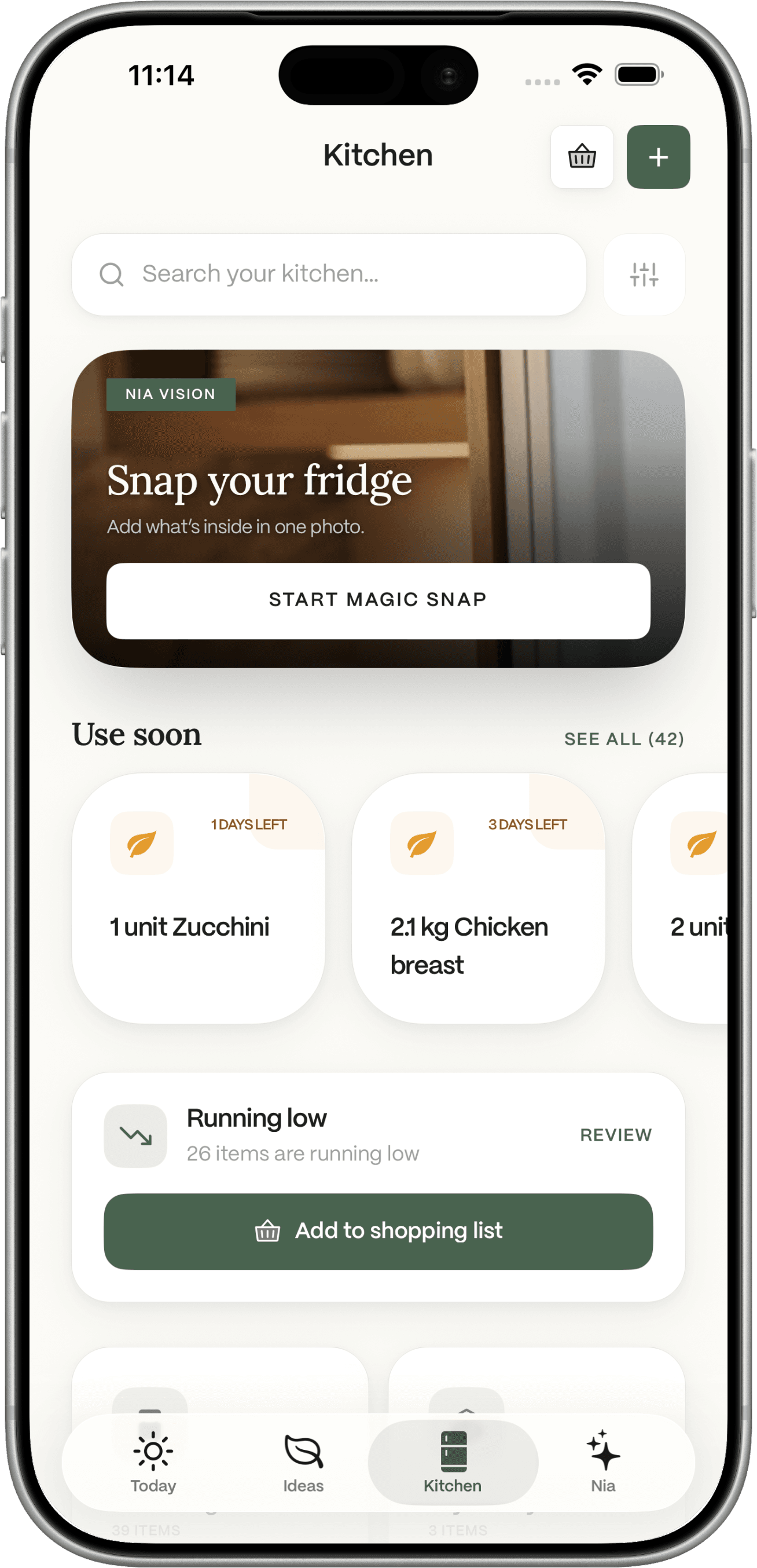
Fridge photo goes to the fridge. Receipt photo goes to the pantry. Barcode and manual add let you choose fridge, freezer, pantry, or other. Confirm what the camera thought it saw. It does not auto-save a messy shelf.
See
Notice what should be used soon
Kitchen and Today can surface items expiring in about three days. Meal ideas can prefer those foods. That is visibility, not a promise that nothing will be thrown away.
Plan
Generate a day, not a grid
Ideas aims for a set of meals across breakfast, lunch, dinner, and snack. About eight suggestions per refresh, up to three refreshes a day. Missing ingredients stay visible so you can add them to the list if you want.
Log
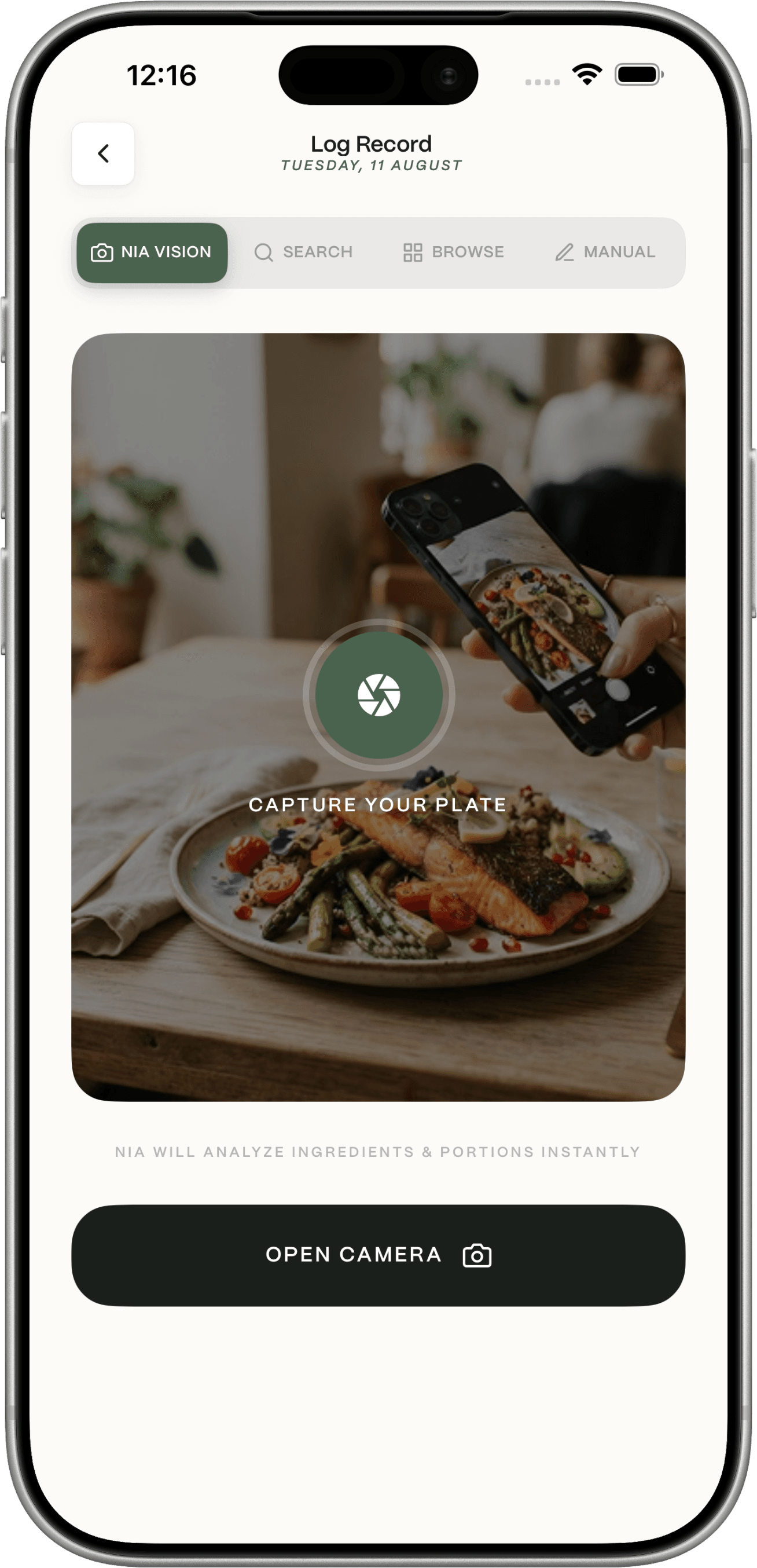
Cook, then log if you are tracking
Logging updates Today. Kitchen amounts can update when you log. The shopping list does not silently rebuild a week of groceries.
Kitchen-first, specifically.
Nutrition values are estimates. Meal ideas can include foods you still need to buy. Dietrack is not a medical service.
Get the app
Let the kitchen influence the day.
iPhone and Android. Manual kitchen and logging stay free.